
Data Format Type
The Export Type field offers two distinct modes for extracting and formatting data from the database:
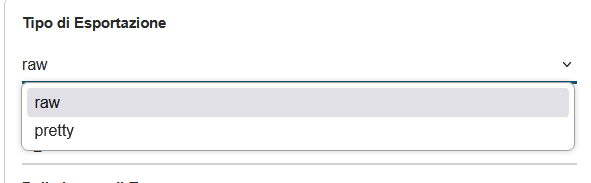
- Raw: This mode represents the most direct and performant approach for data export. When this option is selected, the system:
- Extracts data directly from the database without applying any additional processing
- Maintains values exactly as they are stored in the system
- Preserves maximum fidelity of original information
- Ensures optimal export speed, particularly important for large data volumes
- Is ideal for technical analysis, data backups, or when absolute information integrity must be preserved
- Pretty (Formatted Data): This mode applies a series of processing operations to make data more readable and user-friendly:
- Formats values according to CRM display settings
- Converts internal codes to descriptive labels
- Applies specific formatting rules for each field type
- Translates picklist values to their textual equivalents
- Is optimal for reports intended for human reading or presentations
The choice between these two modes depends on the final use of the CSV file: use "raw" for technical processing and "pretty" for reports and analysis intended for direct consultation.