
Module Management from Homepage
The Homepage serves as the primary control center for managing all CSV export configurations. This interface provides a comprehensive overview of all configured modules and delivers immediate access to the plugin's core functionality.
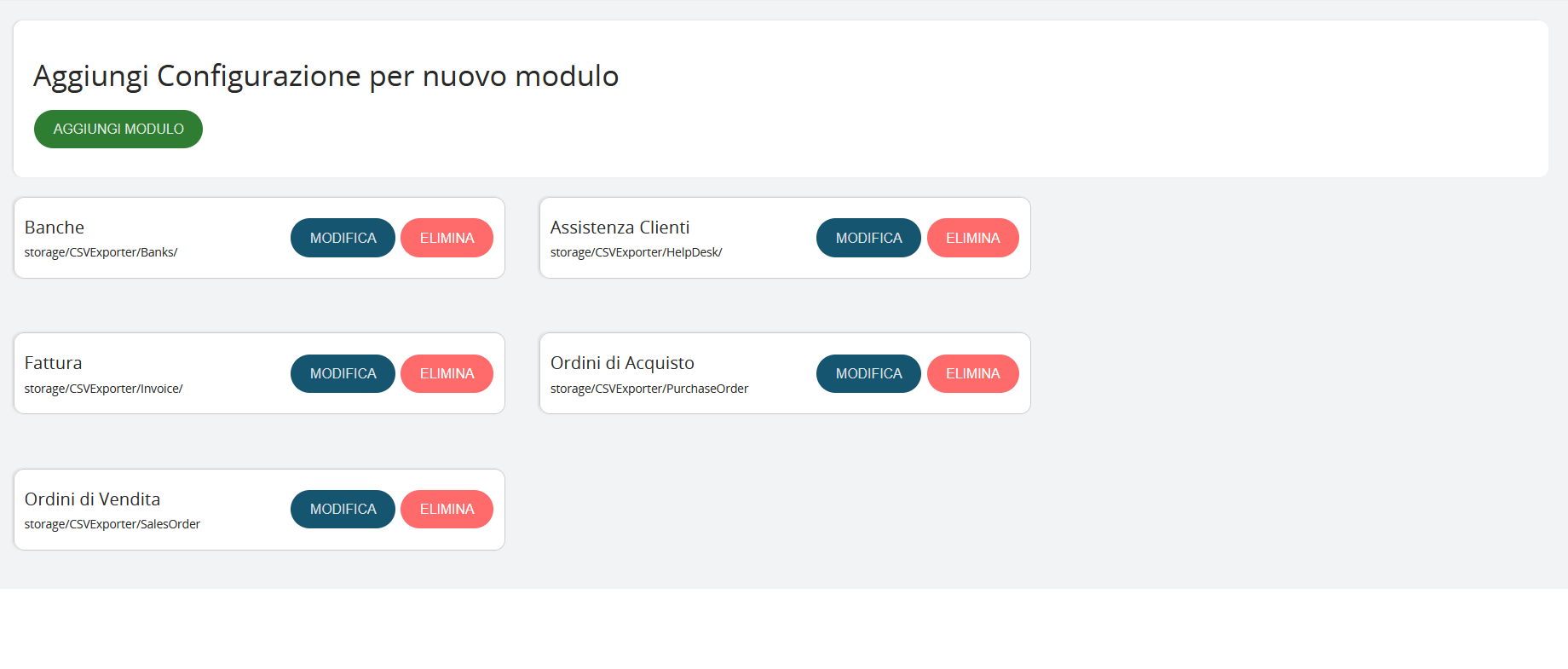
Configured Module Display
The homepage displays all previously configured export modules, organized in information cards that show:
- Module name (e.g., Banks, Customer Support, Invoice)
- Storage path (e.g., storage/CSVExporter/Banks/)
- Available actions for each module
Important: Changes are permanently applied only after completing the entire wizard process and clicking "SAVE" in the final step. Until that point, all modifications can be canceled without affecting the existing configuration.