Managing Existing Modules
Two main actions are available for each configured module:
- "Edit" button: provides access to the configuration wizard to modify the existing configuration. This function allows you to:
- Update fields to be exported
- Modify filters and selection criteria
- Change formatting options
- Adjust the module's export logic
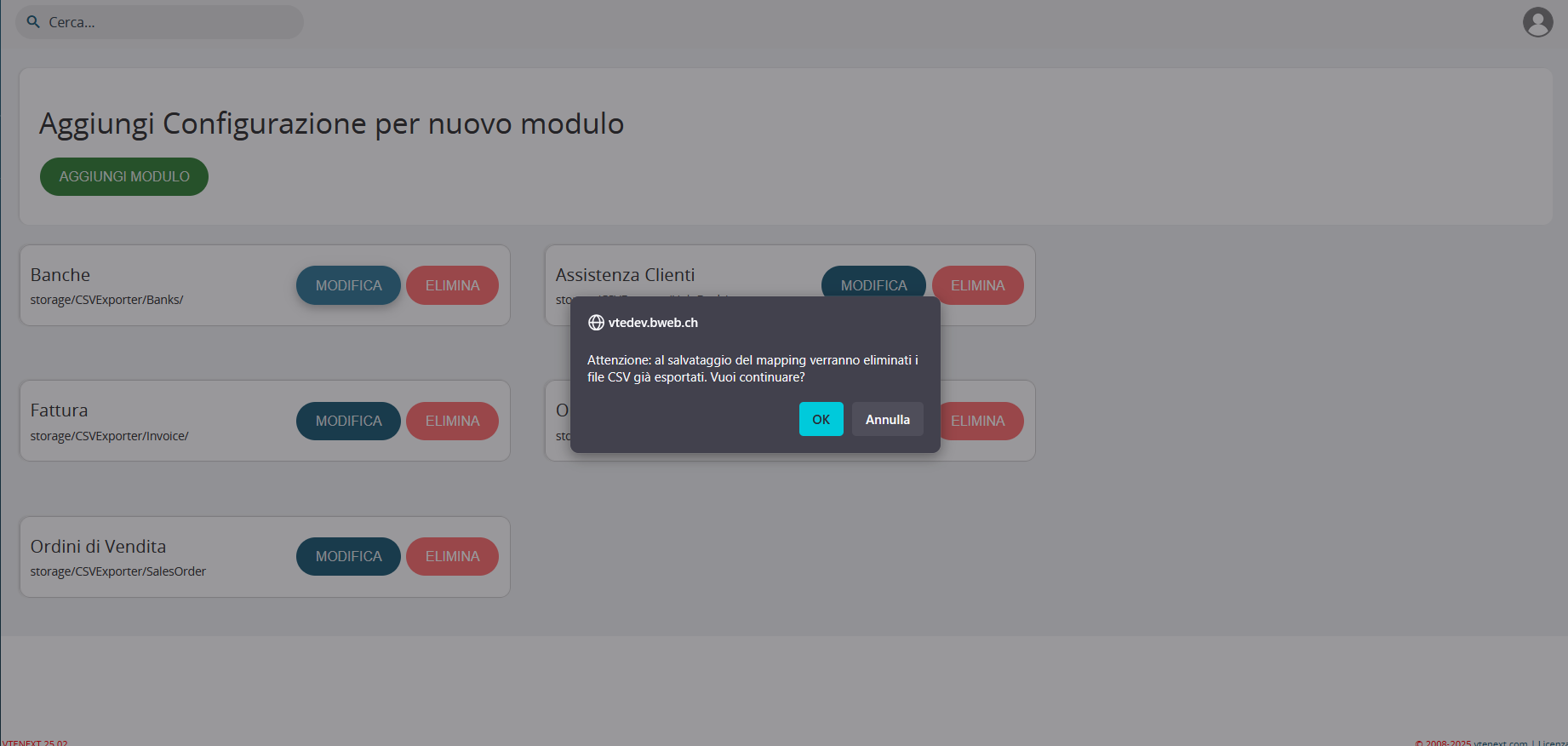
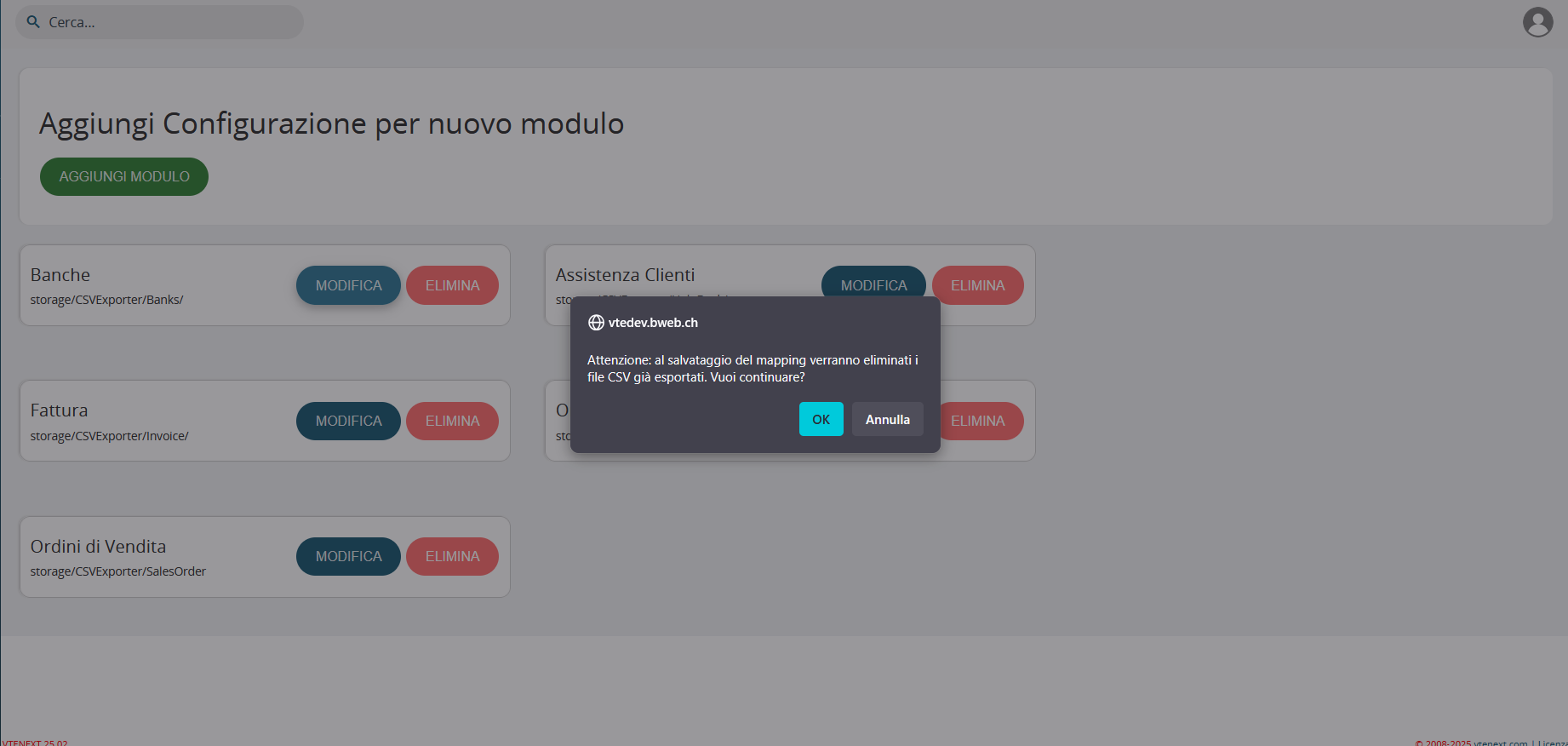
- "DELETE" button: permanently removes the selected configuration. To ensure data security, the system implements a confirmation procedure that:
- Displays a warning message before deletion
- Requires explicit user confirmation