
Upgrading from 24.08 to 26.04
If Exchange Connector is already on version 24.08, moving to 26.04 is a standard module upgrade.
The registration script used for migrations from 20.04.xx must not be run again because the connector is already registered as a vtenext module/extension.
Procedure
- Create a backup of the vtenext instance.
- Verify that Exchange Connector 24.08 is working correctly before the upgrade.
- Use the Exchange Connector ZIP package for version 26.04.
- Run the standard module upgrade from vtenext Module Manager.

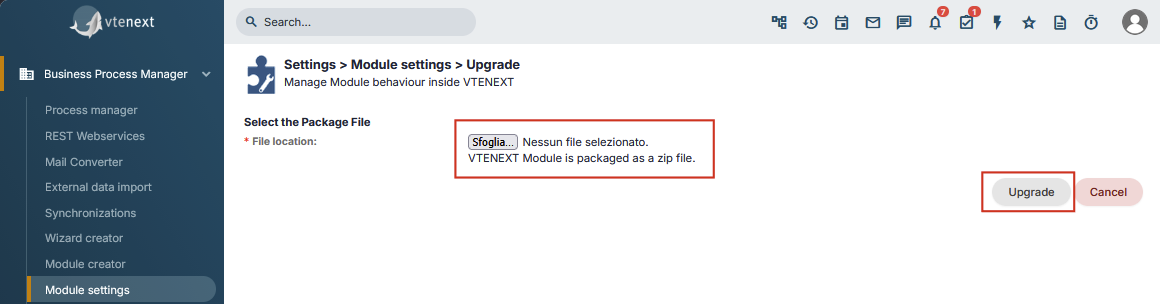
Wait for the upgrade to complete, then open Settings > Exchange Connector and verify the installed version.
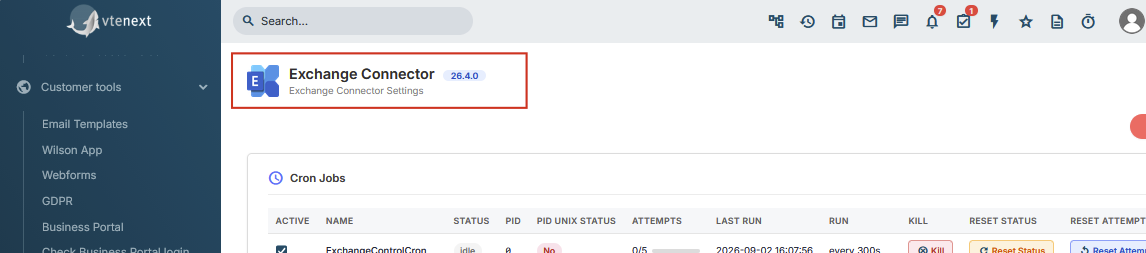
Finally, check configuration, users, selected folders and mappings, and run a synchronization test in both directions.
What not to do
- Do not run
register_exchange_module.phpagain. - Do not treat the connector as a legacy 20.04 installation.
- Do not reinstall the module from scratch.
- Do not delete configuration or users before the upgrade.
The registration script belongs only to the first migration from the 20.04.xx structure to the new module structure.